We've added native integration for Coolify, and GitLab CI syncs can now target GitLab environment scopes. Organisation owners can also delete an organisation, with a 7-day grace period to restore it. Other updates include the retirement of the legacy KMS, security hardening, layout fixes for tablet, tiled-window, and phone widths, and contributions from three community members.
Self-hosting? Upgrading to Console v2.79.0 may need a new environment variable and a worker for a new queue. See the upgrade notes.
Coolify Sync
Phase can now sync secrets to the environment variables of a Coolify application. Coolify is an open-source, self-hostable PaaS. First-time community contributor @tunctn worked closely with us to get this ready.
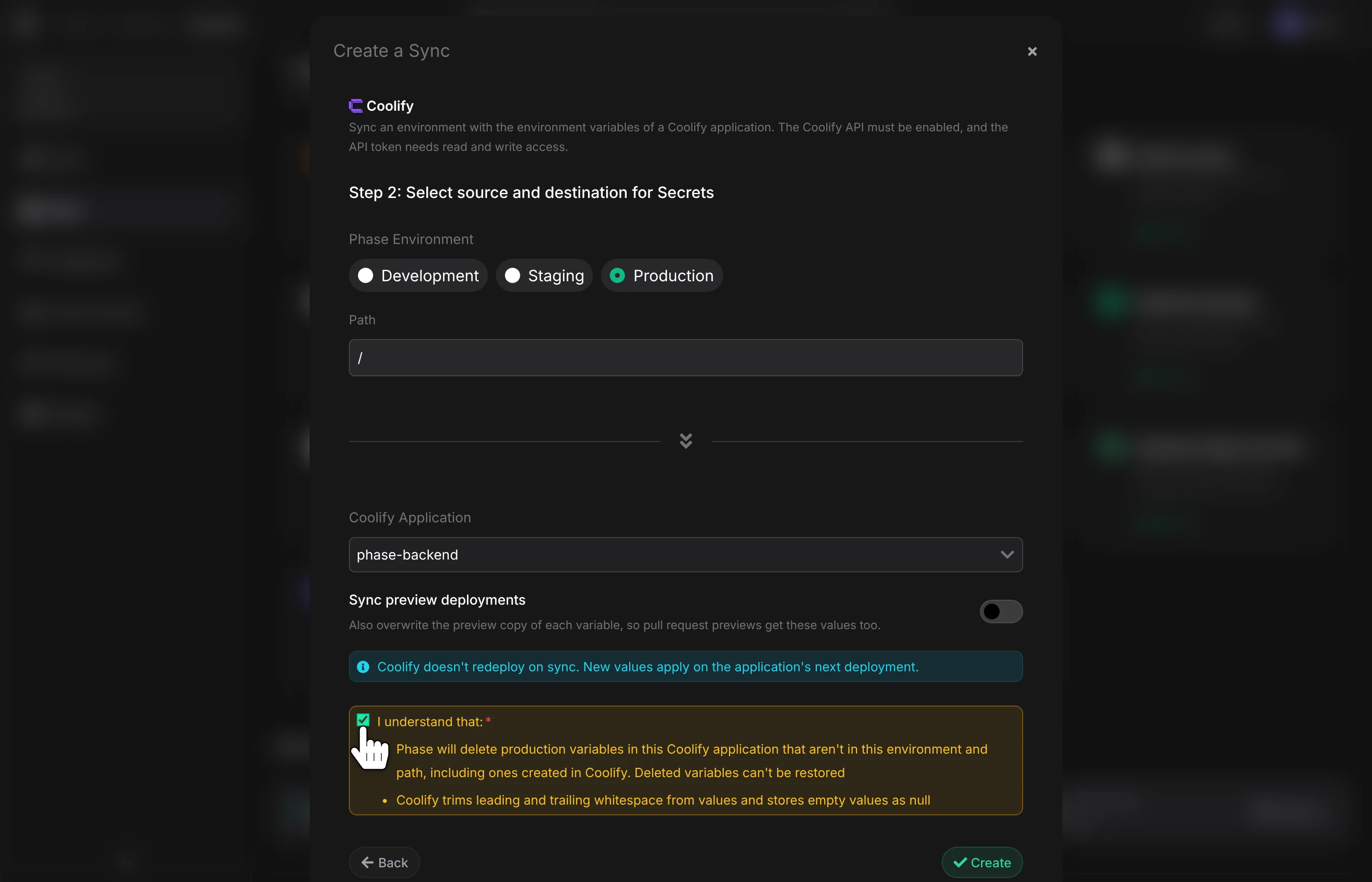
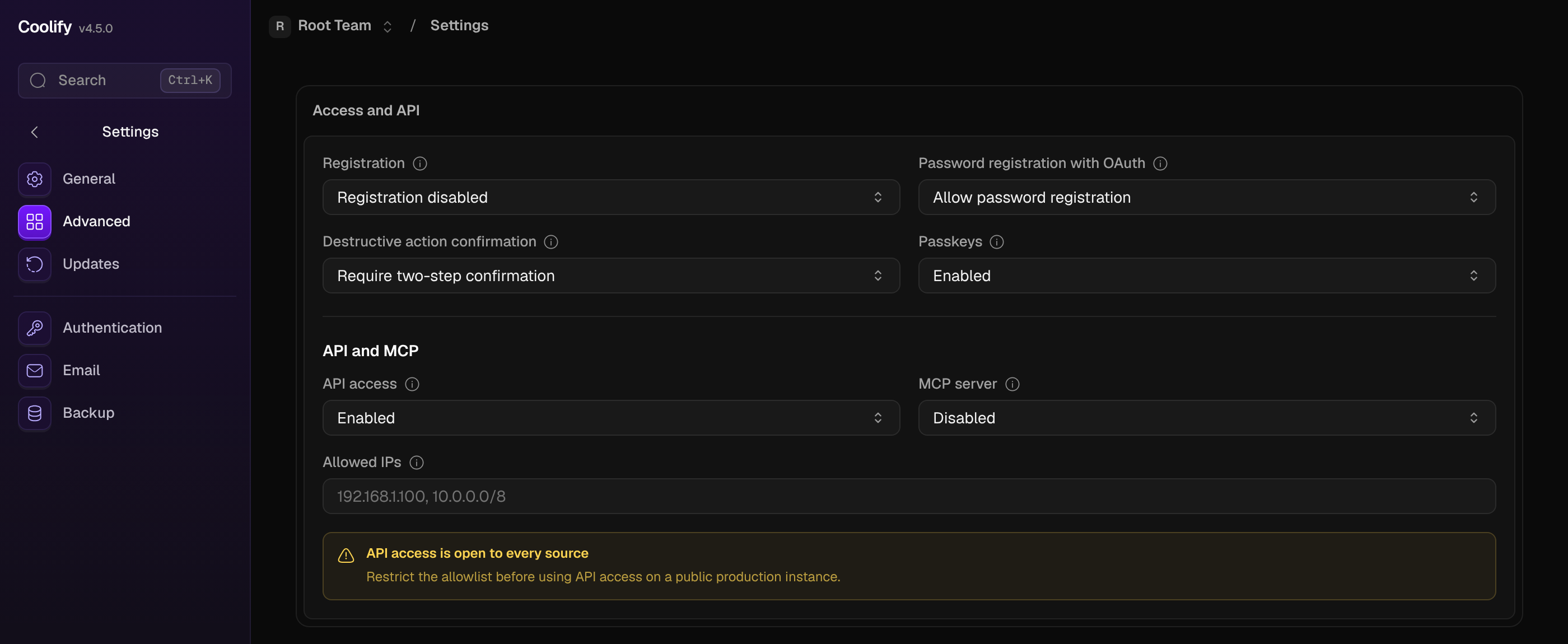
To connect, enable the Coolify API under Settings → Advanced in Coolify, and create an API token with Read and Write permissions, plus Delete on Coolify v4.6.0 or later. Add the token to Phase with your Coolify instance URL, then pick a Phase environment and a Coolify application. Phase syncs when you create the sync, and again whenever your secrets change.
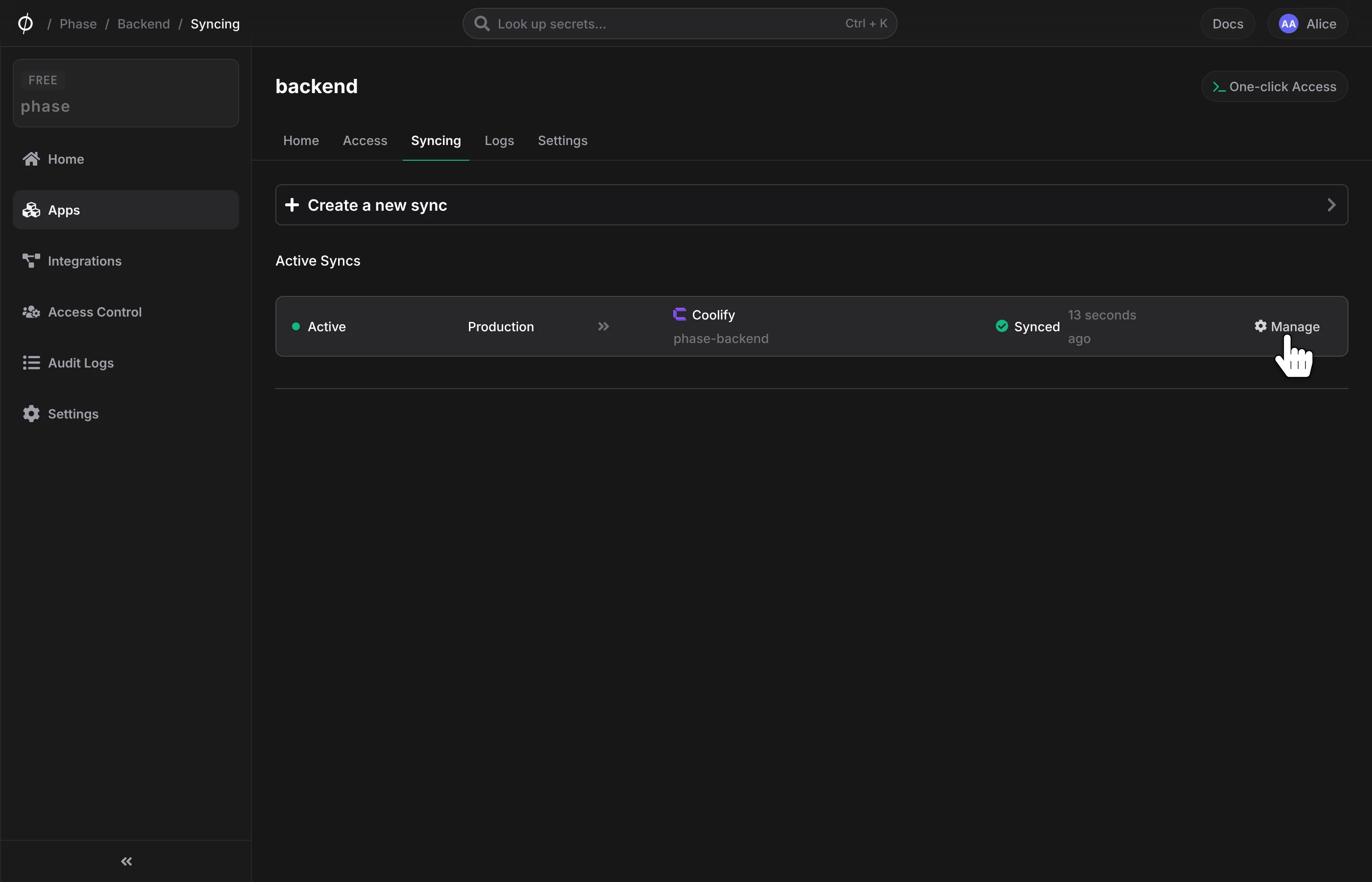
Phase is the source of truth for the application's variables:
- It overwrites variables with the same names, and deletes variables that aren't in Phase. It never deletes Coolify's own
SERVICE_*variables or, on Coolify v4.1.0 or later, theNIXPACKS_*andRAILPACK_*build settings. - Values are marked as literal, so Coolify doesn't expand
$VARinside them. Multi-line values, such as PEM keys, are supported. - Preview deployment variables are only synced if you turn on Sync preview deployments.
- If the environment and path have no secrets but the application has variables, the sync stops without changing anything. This protects you from a mistyped path.
Coolify doesn't redeploy when variables change. New values apply on the application's next deployment.
Read the Coolify integration docs to get started.
Available in Console v2.79.0.
GitLab CI Environment Scopes
GitLab CI syncs can now target a GitLab environment scope, such as production, staging, or review/*. You can sync each Phase environment to the matching GitLab environment of the same project or group. Until now, GitLab syncs always wrote to the default * scope.
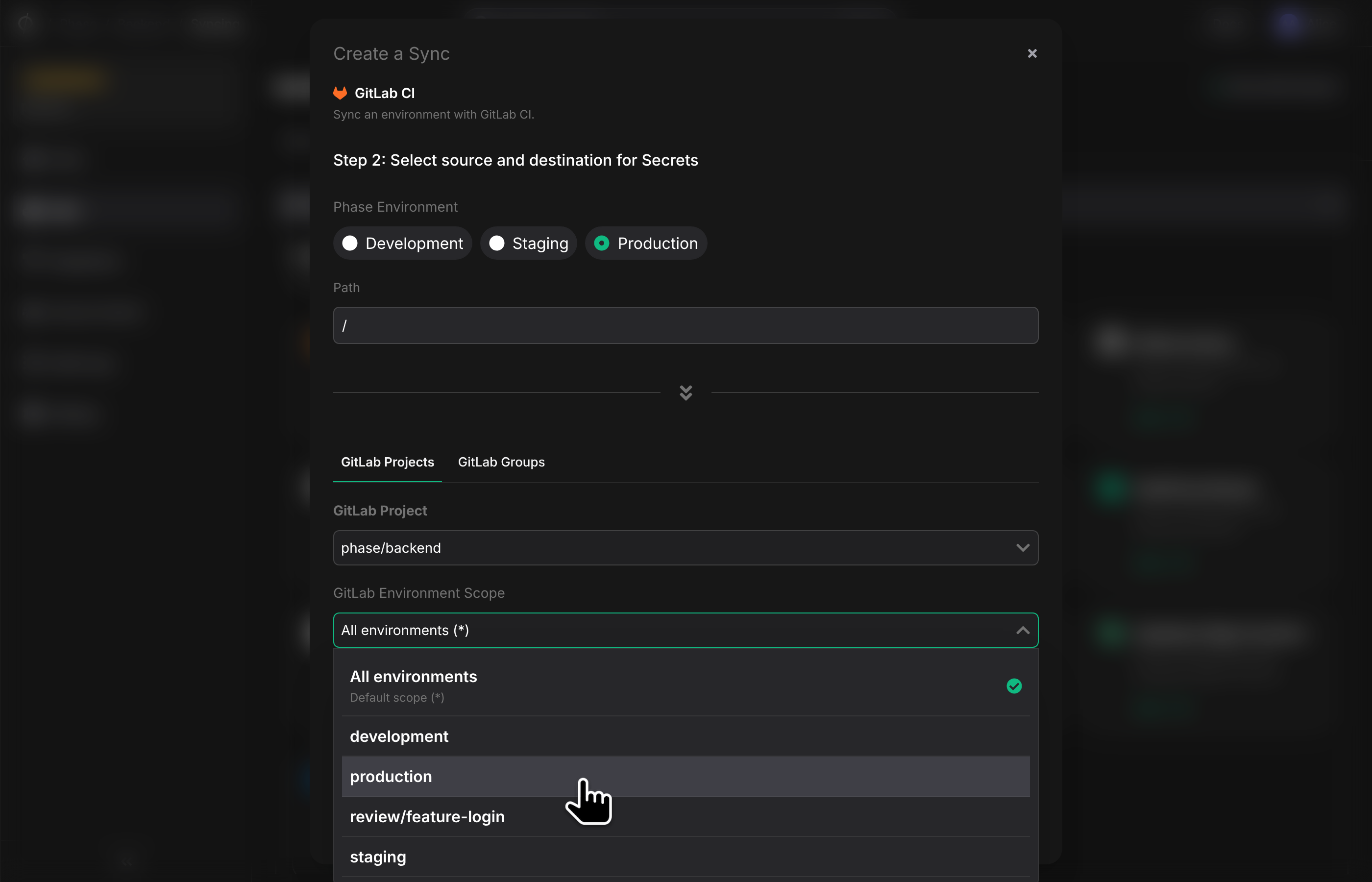
For a project, the scope picker lists the project's GitLab environments. Groups have no environments, so for a group it suggests the scopes that the group's variables already use. You can also type any scope GitLab accepts, including wildcards.
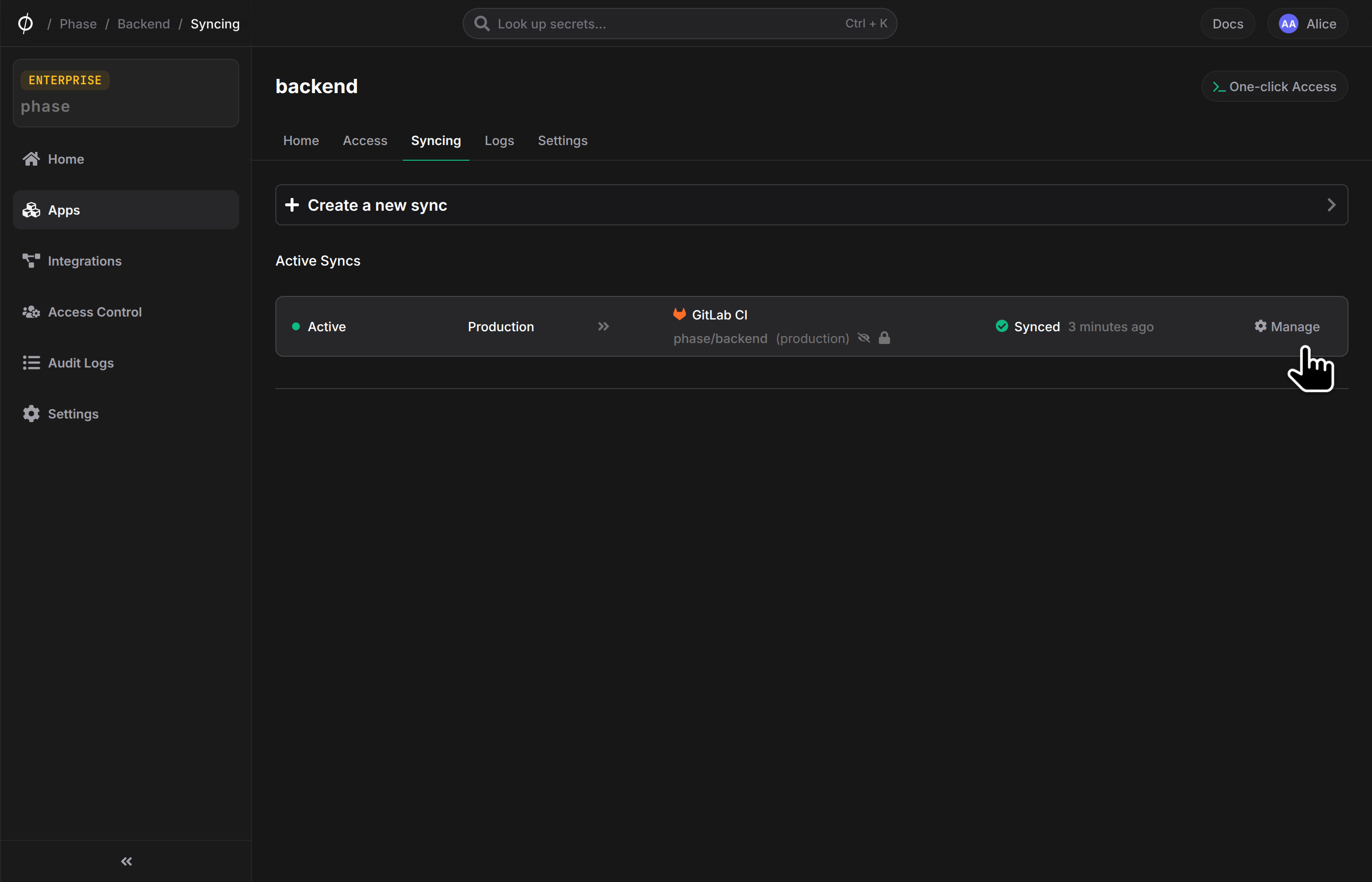
Each scoped sync manages the variables in its own scope. Variables in other scopes are left alone, even if they have the same key. For example:
| Phase Environment | GitLab Environment Scope |
|---|---|
| Development | review/* |
| Staging | staging |
| Production | production |
A job gets the secrets of a scope when it sets a matching environment:
deploy_production:
  stage: deploy
  environment: production
  script:
    - ./deploy.sh # Secrets synced to the production scope are available here
Environment scopes for group variables need GitLab Premium or Ultimate. On other tiers, GitLab drops the scope without an error and makes the variable available to every environment. Phase checks for this before it writes any secrets, and fails the sync with an explanation instead.
Existing syncs keep syncing to all environments (*), as before. A key with variables in several scopes no longer stops the whole sync: new and changed secrets are synced, deletes may be skipped, and the error names the key. To add scoped syncs to a project or group that has an existing sync, delete that sync and create it again with a scope first.
GitLab syncs also get two fixes:
- Redirects. Syncs now only follow redirects on the same host, such as from
http://tohttps://. Before, a redirect could send the GitLab token, and in some cases secrets, to another host. Syncs behind anhttp://tohttps://redirect also reported success without creating new variables. If your GitLab URL redirects to another host, use the address named in the sync error. - Enter key. Pressing Enter in the GitLab sync form no longer jumps back to the first step.
Read the GitLab integration docs for details.
Available in Console v2.79.0.
Organisation Deletion
Organisation owners can now delete an organisation from the Danger Zone in Settings → Organisation.
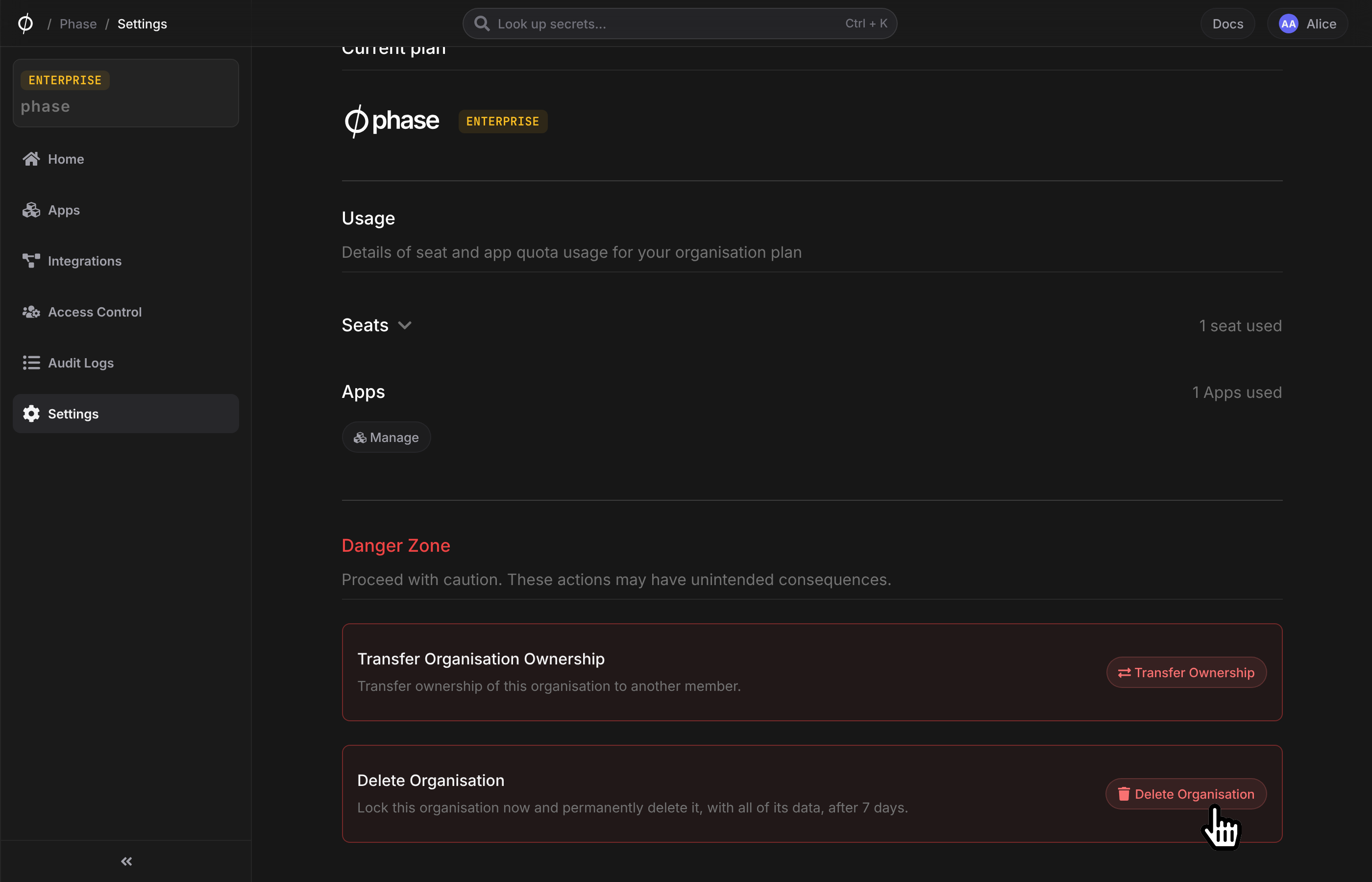
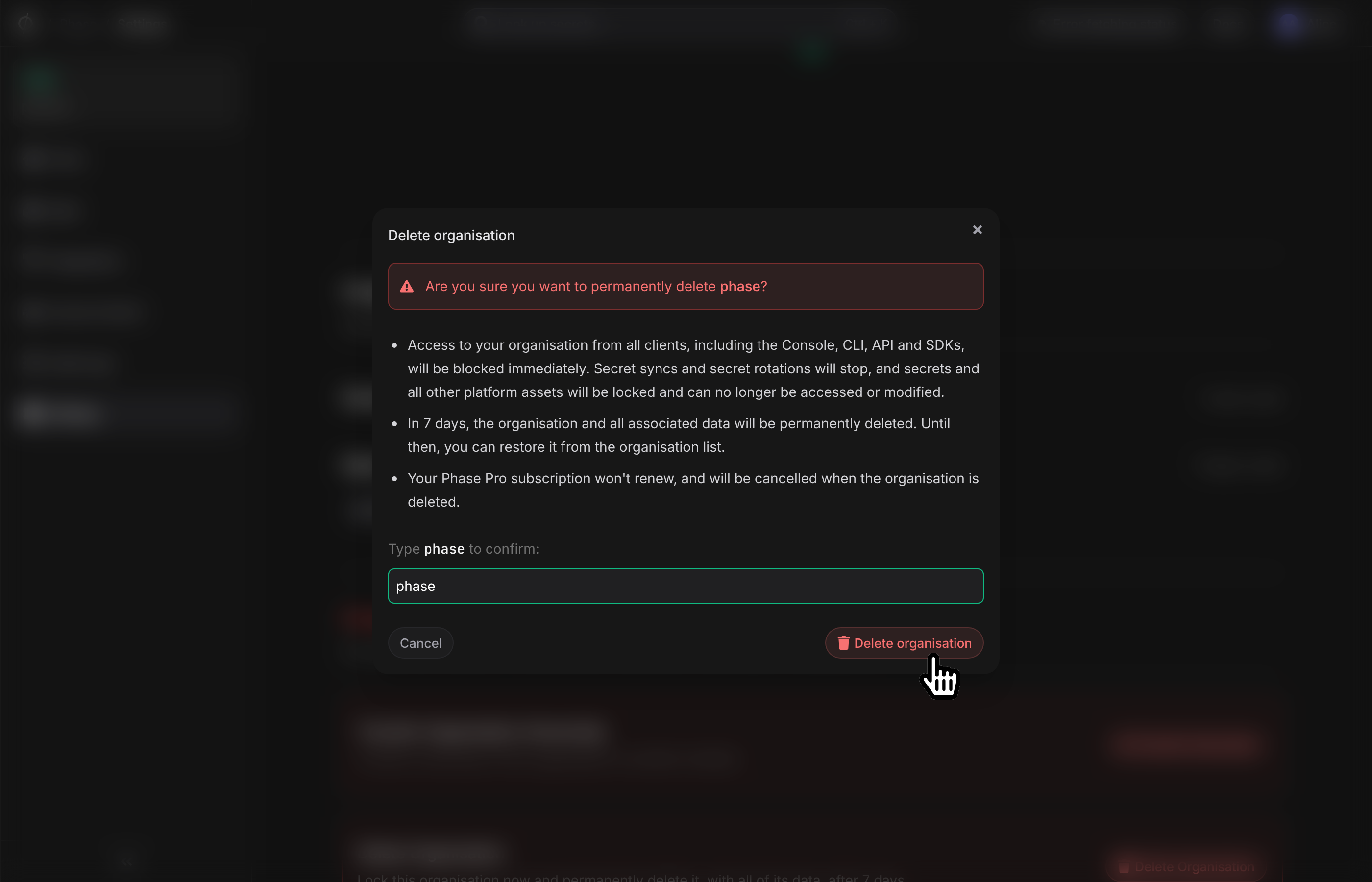
Once you mark an organisation for deletion, it's locked, and you have a 7-day grace period in which you can restore it. After the grace period is over, your organisation is permanently deleted.
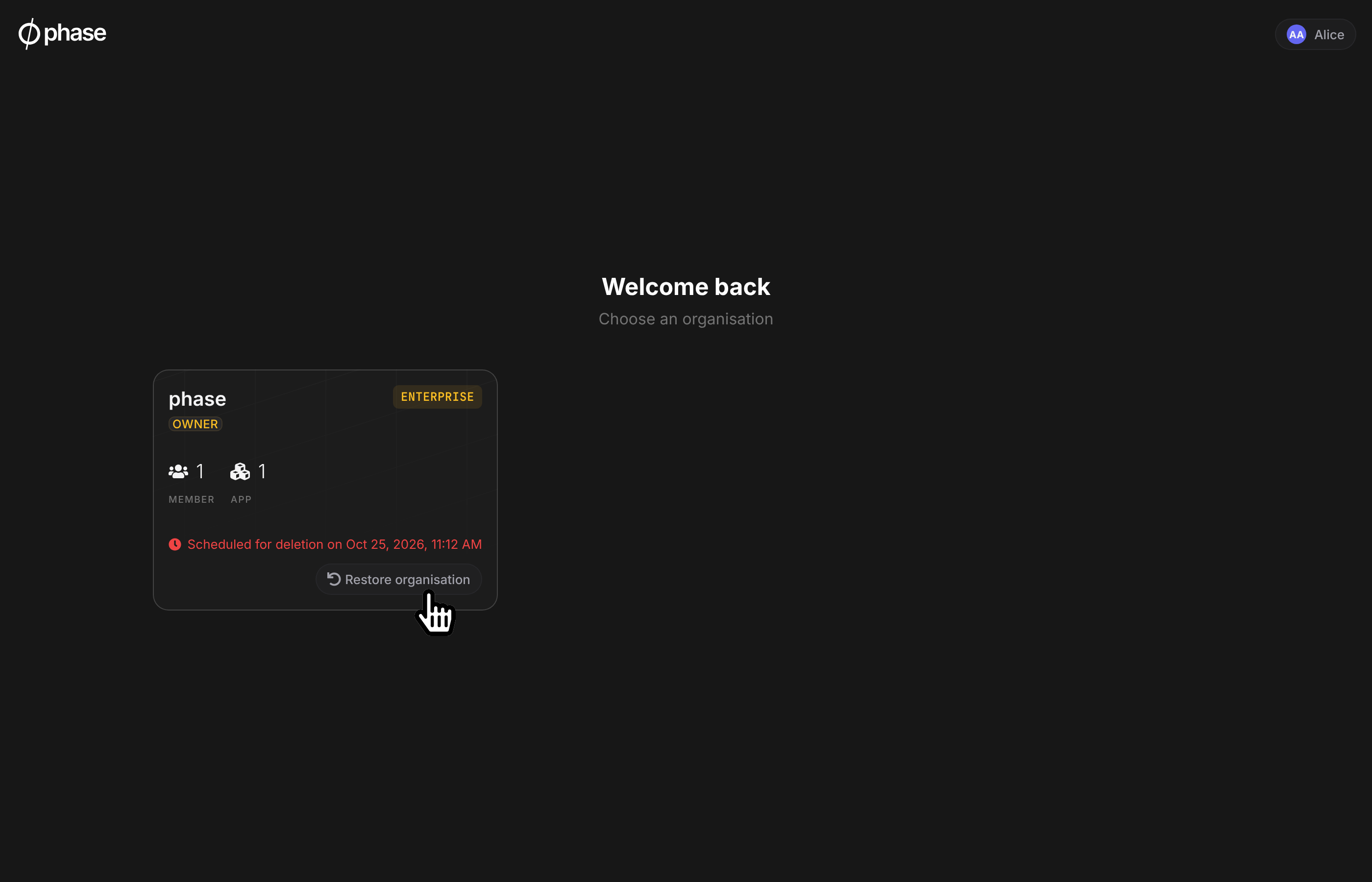
Read the Organisation docs for details.
Available in Console v2.78.0.
Legacy KMS Retired
Console v2.78.0 retires the legacy KMS. It held key shares for Phase's original encryption SDKs, which encrypted data inside your app with an App ID (phApp:v1:) and an App Secret (pss:v1:). These SDKs were @phase.dev/phase-js, @phase.dev/phase-node v2 and earlier, and the phase-dev Python package v1. These SDKs last shipped in June 2023.
The Console no longer serves its KMS endpoint or creates KMS keys for new apps. The owner-only KMS tabs under an app's Access and Logs pages have also been removed.
Secrets management is unaffected. The CLI, the current SDKs, the REST API, integrations, and the Kubernetes Operator don't use the legacy KMS.
Security
eMudhra certificates untrusted. In October, eight eMudhra intermediate certificate authorities were compromised (Mozilla bug 2083449). We untrusted their certificates and removed them from our dependencies on 21 October, the day after Mozilla's announcement, in Console v2.78.1, CLI v2.3.3, and Kubernetes Operator v2.0.2. The Console frontend image followed in Console v2.79.0. The fix is built into the CLI and the operator, so upgrade them to get it. See the docs to update the CLI and the Kubernetes Operator.
Other security changes:
- GitHub Enterprise Server host. The GitHub integration now reads the GitHub Enterprise Server host from the new
GITHUB_ENTERPRISE_INTEGRATION_HOST_URLenvironment variable, instead of from the request. - Secret references in REST API responses. Responses to secret create and update requests now resolve secret references with the same access checks as reads.
- GitLab sync redirects. Covered in GitLab CI Environment Scopes.
- Dependency updates. Next.js 16.4.1, urllib3 2.8.0, certifi 2026.10.19, and other routine security updates.
If you self-host, upgrade to Console v2.79.0. Phase Cloud users: the Console changes are already live. Update the CLI and the Kubernetes Operator to get the eMudhra fix.
Other improvements and fixes
- Tablet, tiled-window, and phone layouts. The environment page, deploy preview, log tables, apps list, access control pages, and onboarding no longer break between desktop and phone widths. The sync status panel stays on screen, and long keys wrap or truncate instead of overflowing.
- Longer app names. The create app dialog now accepts names of up to 64 characters, like rename and the API. Long names no longer overflow the Console.
- Type changes in the deploy preview. Changing only a secret's type, such as Secret to Config, now counts as an undeployed change. The preview shows the old and new type.
- Organisation switching. Switching organisations no longer leaves the previous organisation's keys loaded. This caused decryption errors and hid the sudo password prompt.
- Folder names. The new folder dialog now accepts hyphens and underscores. Thanks to first-time contributor @Tyagiquamar for the fix.
- Safer REST API updates.
PUT /v1/secretsnow resolves every secret before it writes any, so a missing key no longer leaves earlier entries updated. Thanks to @omlahore. - SCIM pagination errors. SCIM list endpoints now return a 400 for a non-integer
startIndexorcount, instead of a 500 that identity providers retry. Also from @omlahore. - Example app. Sealed secrets in new example apps created during onboarding are now sealed on the server.
Self-hosting upgrade notes
Check these before you upgrade to Console v2.79.0:
- GitHub Enterprise Server (v2.79.0). If you use the GitHub integration with GitHub Enterprise Server, set
GITHUB_ENTERPRISE_INTEGRATION_HOST_URLon both the frontend and backend to your server's URL, for examplehttps://github.yourdomain.com. Until you do, new GitHub Enterprise OAuth connections are unavailable. Existing credentials and syncs are unaffected. See the environment variables docs. maintenancequeue (v2.78.0). Organisation deletion runs on a newmaintenanceworker queue. The bundled worker (python manage.py rqworker) starts it for you. If you run a separate worker per queue, for example one Deployment per queue on Kubernetes, add a worker formaintenance. Without one, deleted organisations stay locked and are never deleted. See the Organisation docs.
All features are live on Phase Cloud and available in the latest releases for self-hosted users.
As always, we'd love your feedback. Come say hi on Slack, X, or GitHub.


