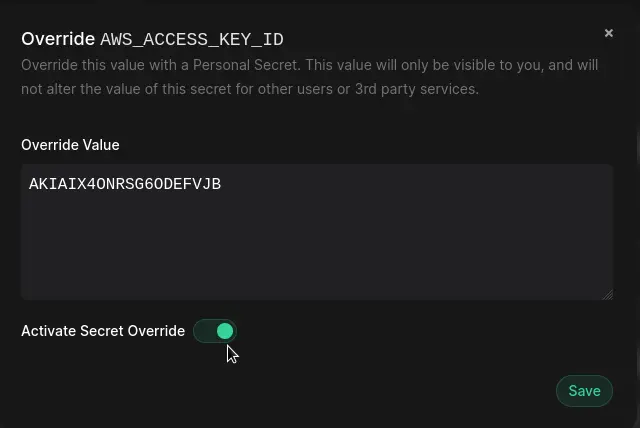
You can now override the value of Secret with a Personal Secret. This lets you supply a one-off value for a given secret that is specific to your local development environment, without having to modify the secret for the rest of your team.
This can be useful for changing API keys, authentication credentials or other environment variables that are unique to your development setup. When applied, the overridden value of the Secret will only be visible to you.
Creating a Personal Secret
To create a Personal Secret, click on the "Override" button and enter the value to use as an override, and Save. You can also toggle on or off this override value as required.
Usage with Phase CLI
When developing locally with the Phase CLI, the override value will be used by default. Secrets with an active override will be displayed with the 🔏 emoji:

Personal Secrets are available in Phase Console v2.5.0 and Phase CLI v1.9.0